



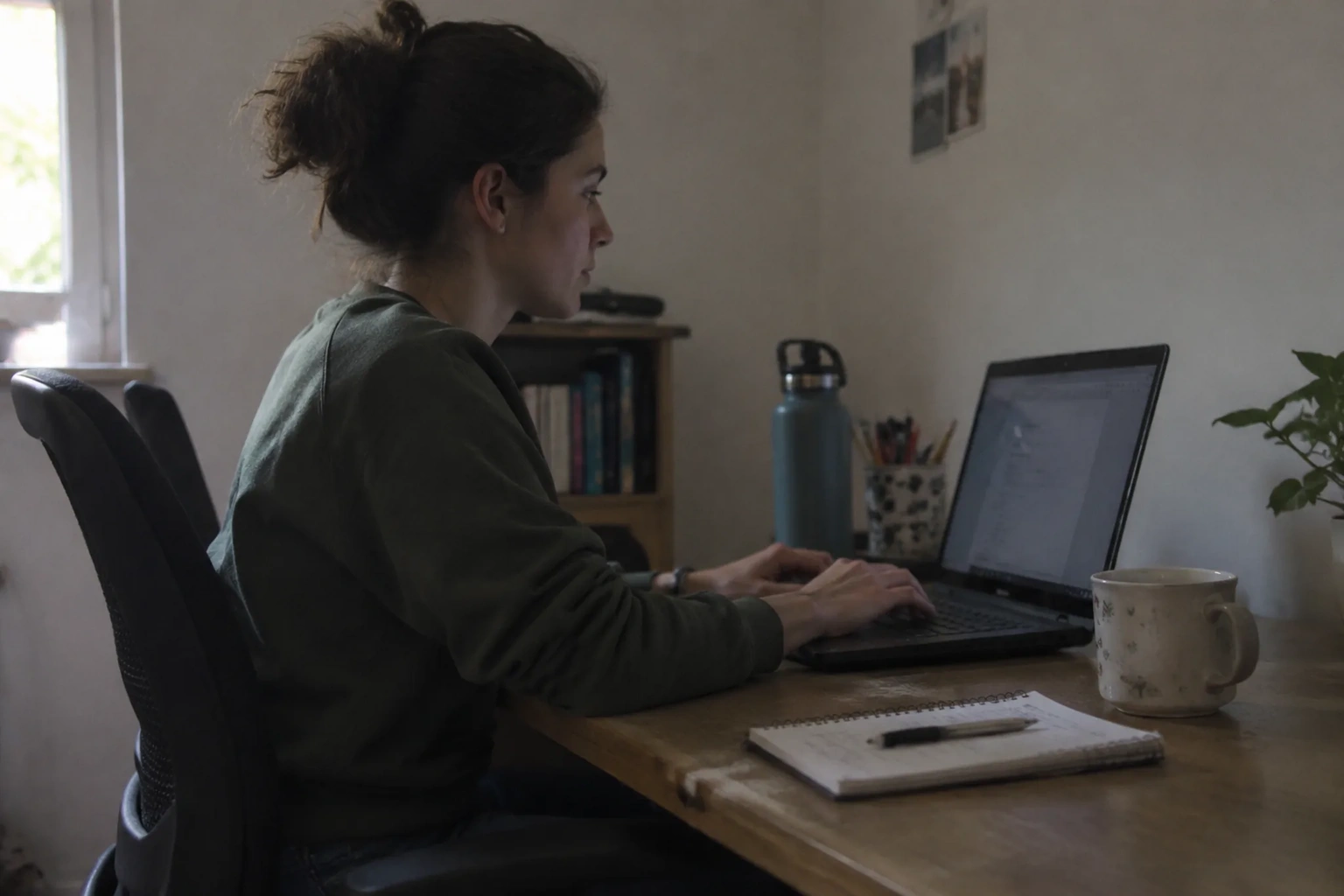
Eight hours. That is the number sitting quietly under every conversation about desk posture, and it is the reason most advice fails. A person can hold a textbook-perfect arrangement of spine and shoulder for perhaps twenty minutes before the body starts negotiating. The problem with the long day is not that people ignore ergonomics. It is that ergonomics assumes a static body, and no body is static for that long.
The useful question is narrower than the one the posture-industrial complex usually asks. Instead of hunting for the one correct shape to hold, the practical work is finding the small adjustments that survive repetition, the ones a person can actually return to a hundred times without thinking hard about it. Posture at a desk is a rhythm, not a pose.
The chair height question, settled by the elbows
Most desks sit at a fixed height somewhere around 29 inches, a number inherited from typewriter tables and never seriously revised. Most chairs adjust. This mismatch produces the single most common error in home and office setups: the chair gets raised so the hands reach the keyboard comfortably, and the feet end up dangling or the knees end up higher than the hips.
A cleaner order of operations starts at the floor. Set the chair so both feet rest flat and the knees sit roughly level with the hips, maybe a touch below. Then look at the elbows. With the arms hanging loose, the elbow crease should land within an inch or two of the desk surface. If the desk is too high after that, a footrest will not fix it and neither will willpower. Something has to give: a keyboard tray, a lower desk, or a cushion that raises the whole seat.
The detail people skip is the wrist. A keyboard that sits perfectly at elbow height but tilts up toward the back forces the wrists into extension all day, and the small muscles of the forearm pay for it by late afternoon. Flat is the target. Many keyboards have little flip-out feet at the back; those feet are the enemy of a long day, and folding them in is a two-second adjustment with an outsized payoff.
Where the monitor actually belongs
The old rule said the top of the screen should sit at eye level. That rule was written for screens the size of a paperback. On a modern 27-inch display, obeying it means the bottom third of the screen sits below the natural line of sight, and the head drifts forward and down to read the lower half. A better landmark is the top third of the screen, roughly a hand's width below the top edge, sitting at eye level. The gaze then rests somewhere in the middle of the panel, which is where most reading and writing happens anyway.
Distance matters as much as height. An arm's length is the usual shorthand, and it holds up: extend one arm straight out and the fingertips should just brush the glass. Closer than that and the eyes converge hard for hours. Farther and the head creeps forward to compensate, which is how a person ends up with the neck jutting out over the keyboard by mid-morning.
A laptop complicates all of this, and pretending otherwise wastes everyone's time. A laptop screen and a laptop keyboard cannot both be in the right place, because they are welded together. The honest fix is a stand that lifts the screen to eye level plus a separate keyboard and mouse at elbow height. That combination costs less than a single visit to a physical therapist and removes the central compromise of laptop work.
The mouse hand and the shoulder it drags along
Posture advice concentrates on the spine and forgets the arm. A mouse placed far to the side of the keyboard pulls the shoulder forward and inward for hours, and the upper back rounds to follow. The tell is a dull ache between the shoulder blades that shows up around three in the afternoon and vanishes by dinner.
The adjustment is almost embarrassingly small: bring the mouse in until the elbow stays close to the ribs, and consider a keyboard without a number pad so the mouse can sit nearer the centerline. A person who uses the number pad constantly should keep it, but anyone who touches it twice a week is donating shoulder comfort to a row of keys that mostly gathers dust.
There is also the question of the mouse itself. A flat, low-profile mouse keeps the wrist in a flatter line than a tall, arched one, though hand size and preference vary enough that no single shape wins. What matters is that the wrist does not rest on the desk edge while the hand works. The edge presses into the soft tissue of the forearm, and the compression is easy to ignore until it is not.
The five-minute rule that beats any chair
Here is the part the equipment cannot solve. Even a flawless setup held without interruption for three hours is worse for the body than a mediocre setup interrupted every thirty minutes. The tissues of the back and hips respond to load and to variety, and a single unvarying load, however well aligned, is its own kind of strain.
The practical version is a standing break every half hour or so, even a short one. Stand, walk to the window, refill a glass, roll the shoulders back. The point is not exercise. The point is to change the load pattern before the body starts sending signals, because those signals, once they arrive, tend to stay for the rest of the day. A timer helps at first. After a couple of weeks the break becomes a habit and the timer gets ignored, which is the correct outcome.
Standing desks get sold as the answer to this, and they help, but only if the standing is itself varied. Two hours standing in one locked position trades one static load for another. The desks that work are the ones a person raises for a call or a stretch of reading and lowers again, not the ones parked at standing height from nine to five.
Why the head drifts forward by ten o'clock
Neck strain at a desk rarely comes from a bad starting position. It comes from drift. The head creeps forward inch by inch as the morning wears on, drawn by the screen, and by the time the neck aches the position is several inches from where it started. The cause is usually fatigue in the deep muscles at the front of the neck, which hold the head up against gravity all day and quietly give out.
A small intervention helps more than a posture brace: a chin tuck done a few times an hour. Pull the chin straight back toward the spine without tilting the head down, hold for a breath, release. It is a tiny motion, invisible to anyone watching, and it resets the head over the shoulders rather than in front of them. Doing it at every break, and once or twice in between, keeps the drift from compounding.
The other half of the drift problem is the screen's brightness and font size. A dim screen or a small font pulls the head forward to compensate. Raising the font a point or two and nudging the brightness up in a bright room is a trivial change that removes a daily pull on the neck.
The keyboard angle nobody adjusts
Keyboards sit flat on the desk, parallel to the edge, and most people type with the wrists bent outward to reach the keys. The hands angle away from each other naturally, and a straight keyboard forces the wrists to compensate. Splitting the keyboard, or simply angling each half outward in a V, lets the wrists stay in line with the forearms.
The same logic applies to the shoulders. A keyboard placed too far forward pulls the arms into reach, and the shoulders round to follow. The keyboard should sit close enough that the elbows stay under the shoulders, not in front of them. Pushing it back an inch or two is a change nobody notices until the shoulders stop aching at the end of the week.
The desk that fights back
Some desks cannot be fixed from the chair. A deep desk pushes the monitor too far back, and the head follows it forward all day. A shallow desk crowds the keyboard against the screen. A glossy desktop reflects the window and forces the eyes to work harder than they should. These are structural problems, and no amount of posture discipline solves them.
The workaround is a monitor arm that pulls the screen forward over the desk edge, reclaiming the depth the desk wastes. A clamp-on arm costs less than a new desk and solves the depth problem in an afternoon. The glossy reflection is handled with a matte screen film or a repositioned lamp, and the shallow desk is handled by a keyboard tray that tucks the keys under the surface.
None of this is glamorous. The adjustments that matter are small, cheap, and easy to postpone, which is exactly why most people live with setups that hurt them for years. The feet on the floor, the elbows at the desk, the screen at the top third, the mouse near the ribs, the break every half hour. Five things, all of them adjustable in an afternoon, and the long day stops being a slow negotiation with the body.